Overview
Divider widget allows you to visually separate different sections of your workspace, improving clarity and layout. Particularly helpful when multiple widgets are present.
Understanding Divider Widget
Clicking the Divider Widget card from the Widget library will automatically add the widget to the Workspace without any additional settings. Users with Creator, Co-owner, or Editor permissions can drag and drop the widget to reposition and resize it as needed.
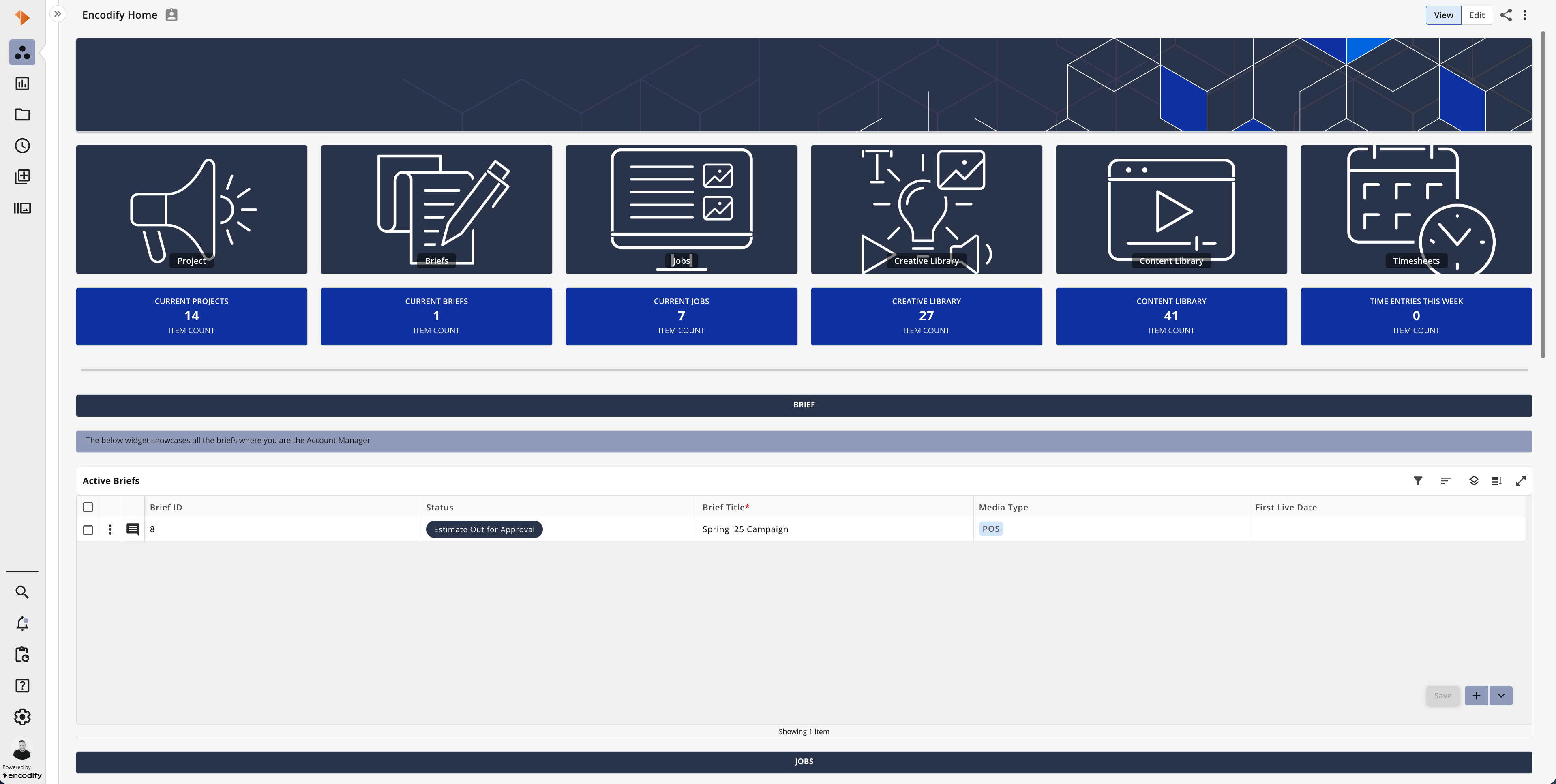
An image showcasing the Divider Widgets on a workspace view mode
Please note:
Divider widget's height or width can't be adjusted.
A copied Divider widget is shown beneath the last widget in the workspace.
Divider widget takes the full width of the screen.