Overview
"Custom HTTP" is a reusable connected service that can be used for authentication to third-party services.
Configuration
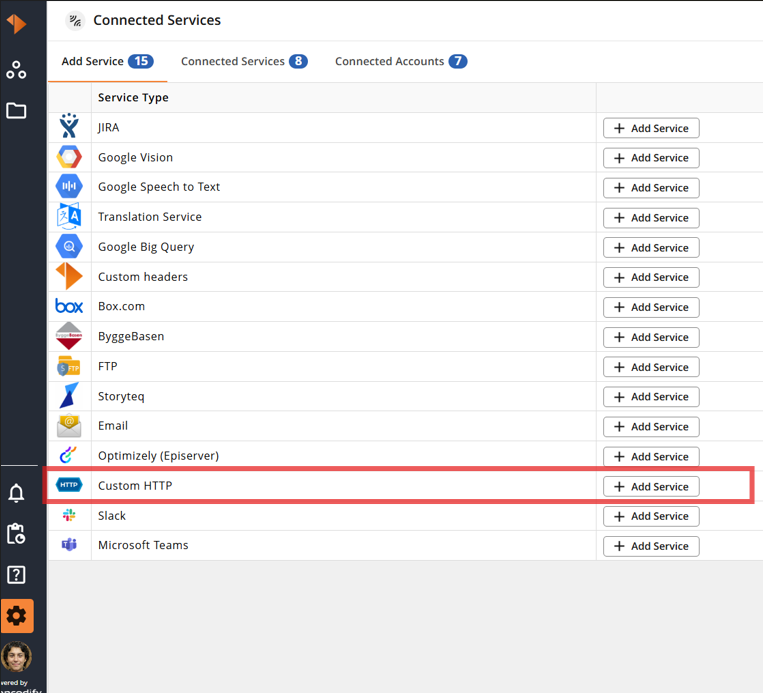
Open Sidebar → Configuration → Connected Services.
Add a new "Custom HTTP" service from the available service types to start the configuration process.
"Account Configuration" 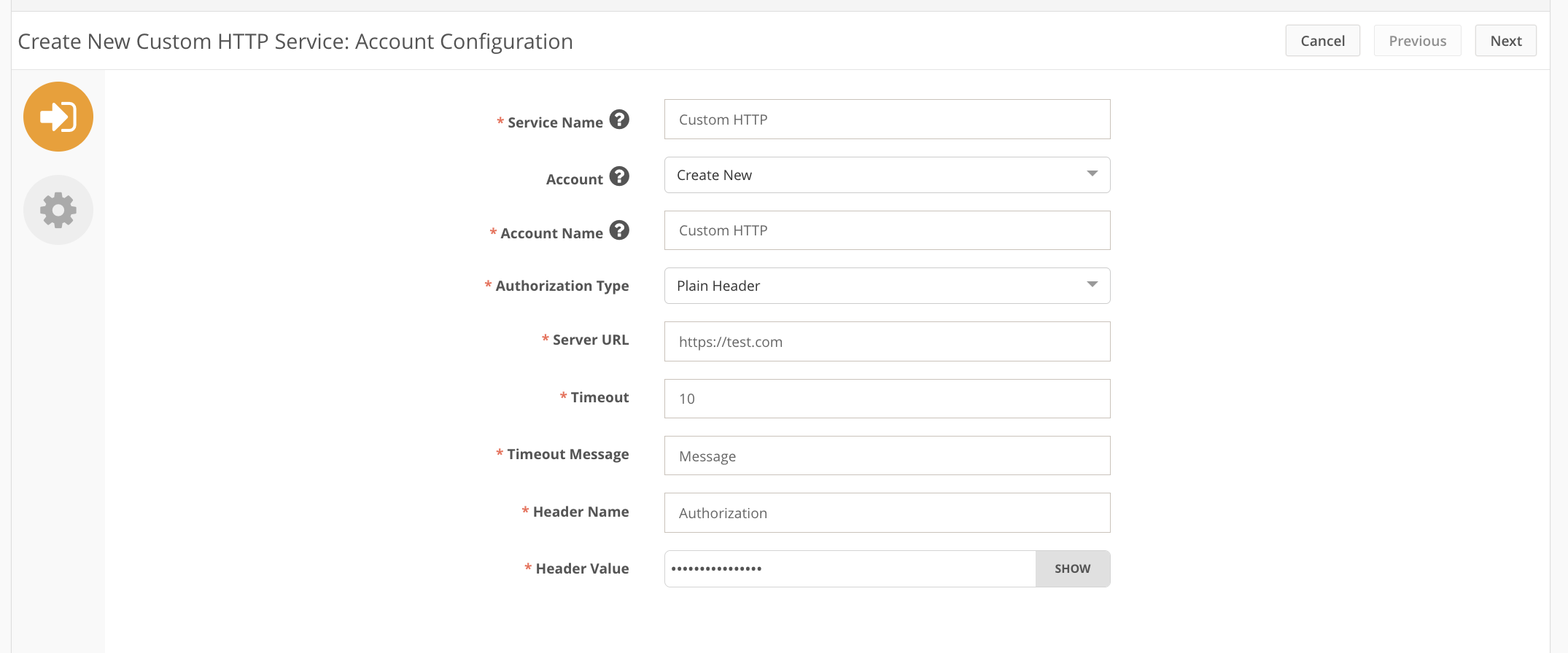
Parameter | Description |
|---|---|
Service Name | Descriptive name of the integration service. The name will be displayed in the configuration of the “Send to connected service” action |
Account | You can select from existing accounts or leave “Create new…” to create the new one on this step |
Account Name | Descriptive name of the connected account |
Authorization Type | Used for specifying the type of authorisation for integration with 3rd party service
|
Server URL | URL of the service you want to connect to |
Timeout | Time during which the system is trying to get a response from 3rd party service. If the time elapsed and no response is received, the timeout message will be shown |
Timeout Message | A message to be displayed if the 3rd-party service is not available during the specified timeout |
Header Name | Name of HTTP request header containing auth data (i.e."Authorization", "X-API-KEY", etc) |
Header Value | Value sent in the HTTP request header for authentication to the 3rd-party service.(i.e., Basic Auth, API key, etc) |
"Service Configuration"
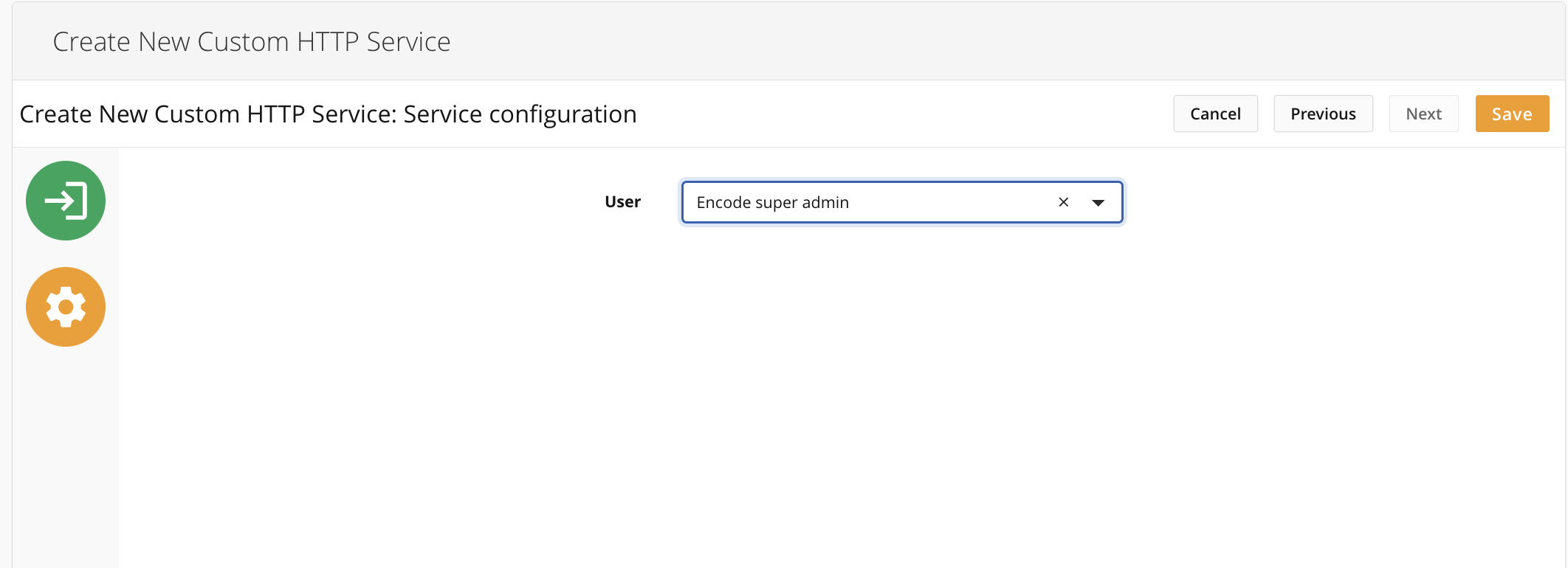
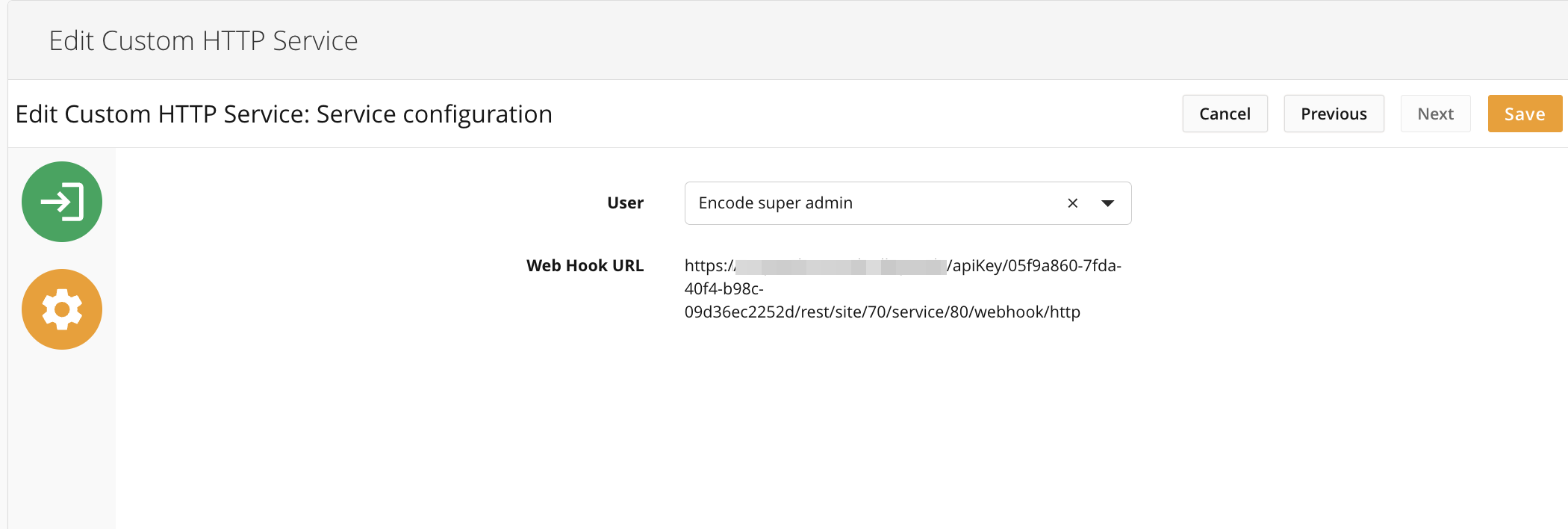
User | A user must be specified in order to work with the security mechanism during a webhook call from a third-party service. Having a regular active user with any access right is enough. "API User" mode is not required. |
Please note:
"User" parameters are needed only if bi-directional integration is configured.
Once connected, the service is saved - the webhook URL (based on Api key from the saved service) gets displayed.