Access Rights Management
When the Guest Users App is first enabled, an automatic read-only access right named Guest User is created.
This access right:
Cannot be edited or deleted manually.
It is automatically synchronised with app-level configuration changes.
Provides Read + Edit + Download + Version Control access to selected modules where the app is active.
If the Guest Users App is later deleted:
All previous configurations are removed.
The Guest User access right remains in the system, but all permissions within it are revoked.
Guest Users Notification Rule
Note: More details can be found within the article Notification Rules
After saving the guest user configuration, an Automation Rule will be created automatically for the enabled module(s) to notify guest users via email when they are invited as a shared recipient.
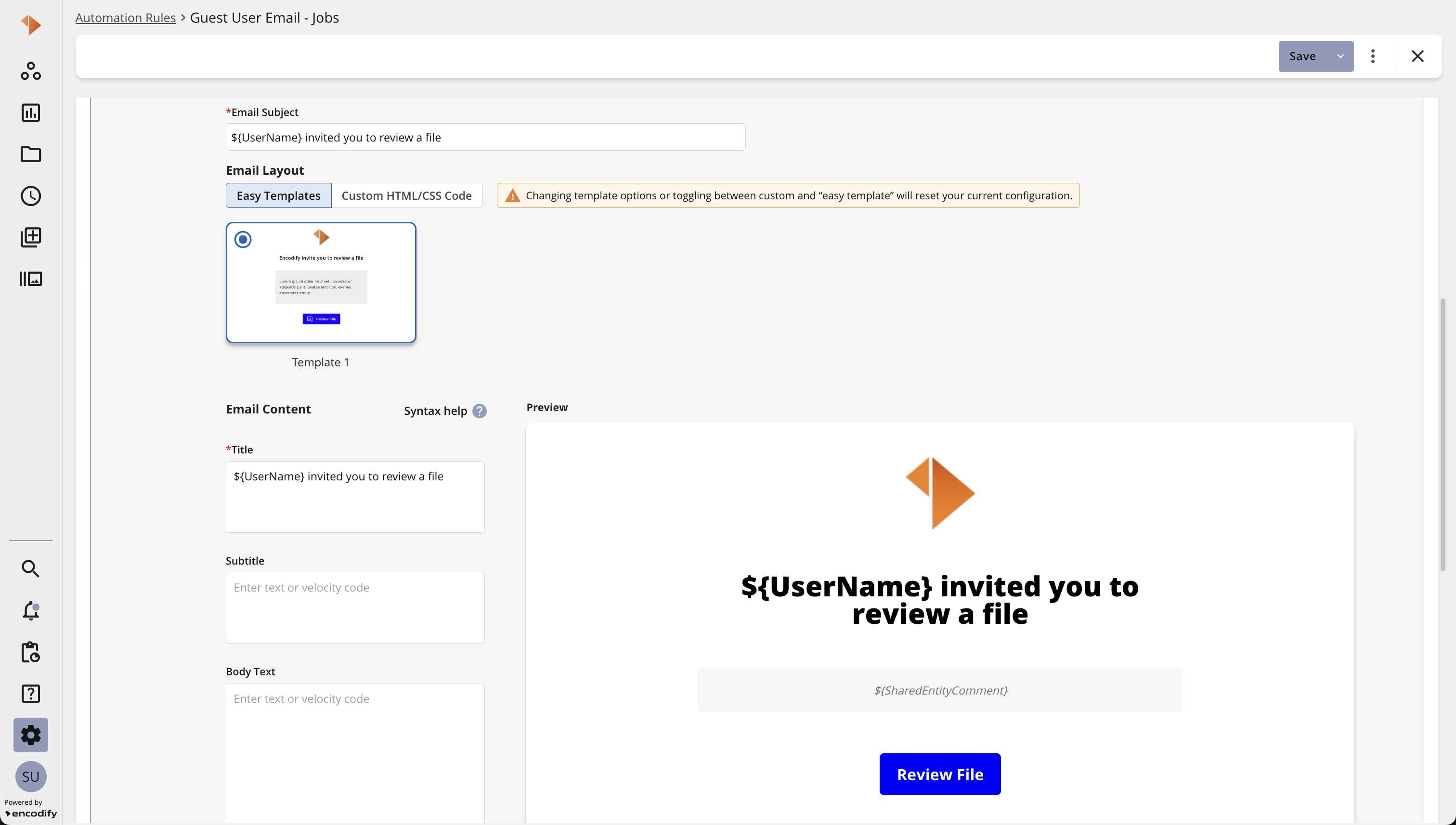
Email template preview for inviting a guest user
Note: Additional information regarding the configuration of Notification Rules can be found here.
Subscribing to Guest Users’ Invitations
Note: More details can be found within the article Notification Rules
In addition to the Share Proofing Guest notification rule, it is also possible to configure a Share Proofing Subscriber notification rule. This allows specified internal users to be notified when an item is shared with a guest user. Notifications can be received through various channels, including the application, email, Slack, and Microsoft Teams.
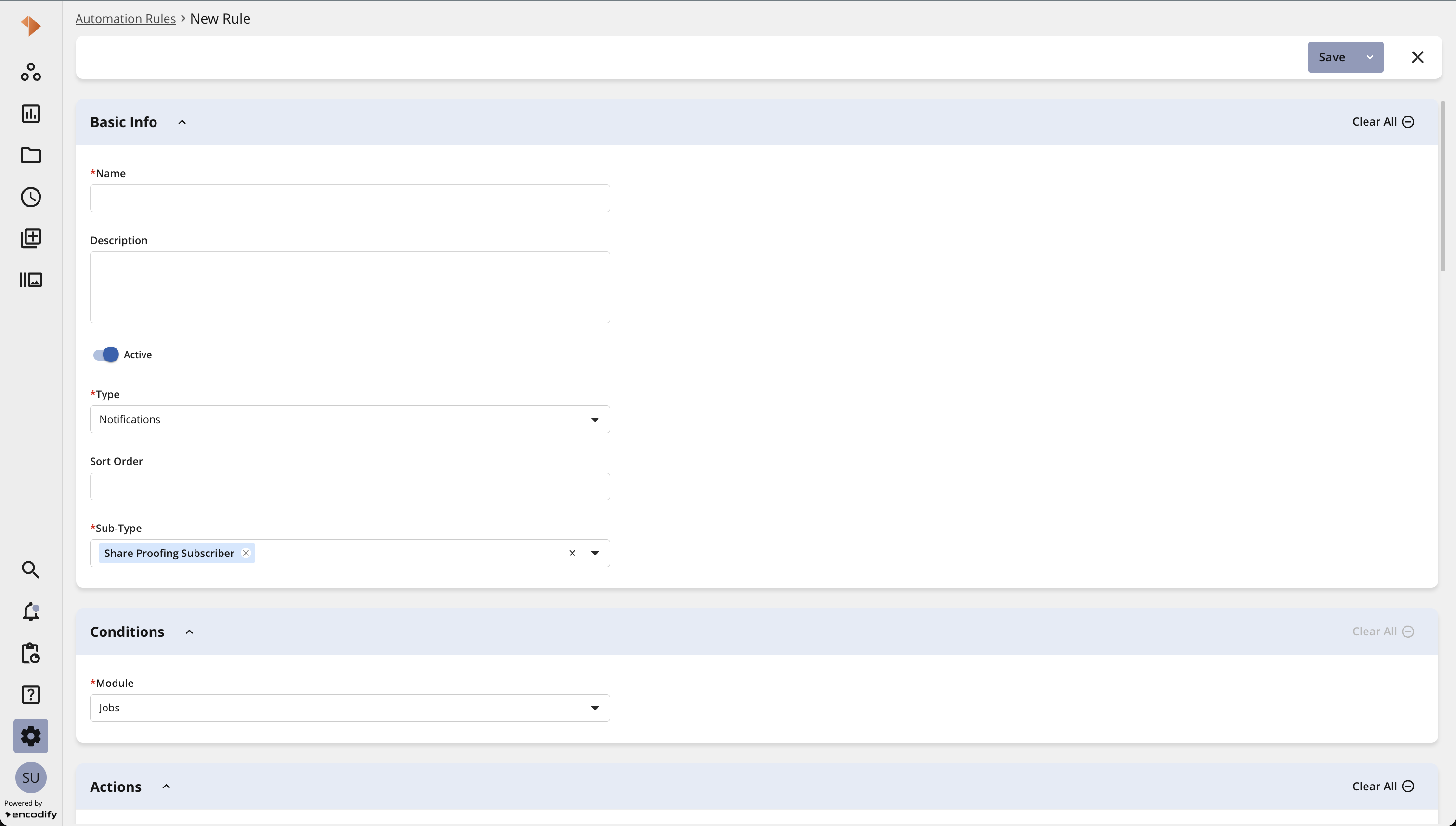
Automation rule of type share proofing subscriber
Extending Guest Users’ Permissions
Group and status restrictions set for the item are ignored when granting guest users access to the shared item. Unreleased items will also be accessible to guest users. However, the following restrictions are still enforced:
Download access to the Proofing module
Download access to the Proofing Media Holder
Promotion settings
In addition to allowing guest users to add comments and annotations, it is also possible to extend their permissions to include:
Changing status, including adding comments and reasons (see the Change Status article for more details).
Modifying field data and uploading files during workflow transitions (see the Field Usage article for more details).
Proofing review functionality for Guest users (available from version 24).
Sharing in Multi-file proofing (available from version 24).
Configuration Considerations for Sharing with Guest Users
If the group selection mode for users is set to Assigned by action and actions are configured, the groups assigned through those actions will override the app groups for guest users. To prevent this, it is recommended to use filters to ensure that group actions intended for internal users are not applied to guest users.
If restriction by status is enabled and a status field has a preselected value, the user sharing the item must be granted Create access by status.