Configured active guides can be rendered and shown to end user in next cases:
after opening associated page - guide is triggered automatically
after click on badge linked to target element - corresponding guide's step is shown to user
after launching manually in "Learn" tab/ "Guide and Announcements" modal guide is triggered on associated page
The badge linked to target element will be hilighted once step associated with it is opened that allows user to identify relation between target element and guide's step.
In case of target element is available on page but not visible on screen area - page will be autoscrolled to specified target element.
If associated target element is not available on page or user doesn't have access to that element - guide will fail silently on corresponding step. Guide will not be triggered automatically after opening page if missing target element was linked to 1st step in guide.
Examples of rendered guides you can find below:
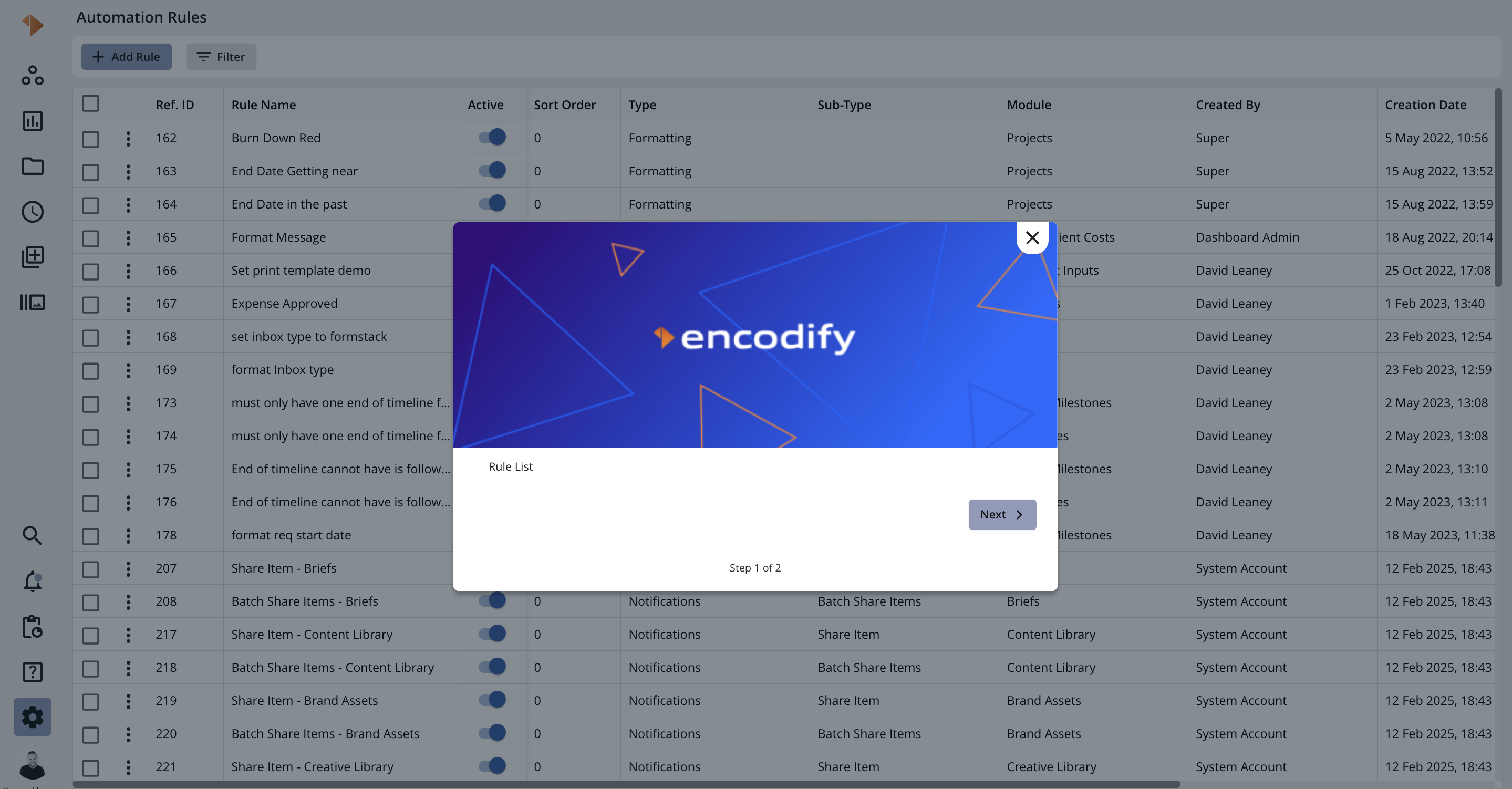
Modal guide with disabled badge and enabled backdrop
.png)
Modal guide with disabled badge and disabled backdrop
.png)
Modal guide with enabled badge and specified target element
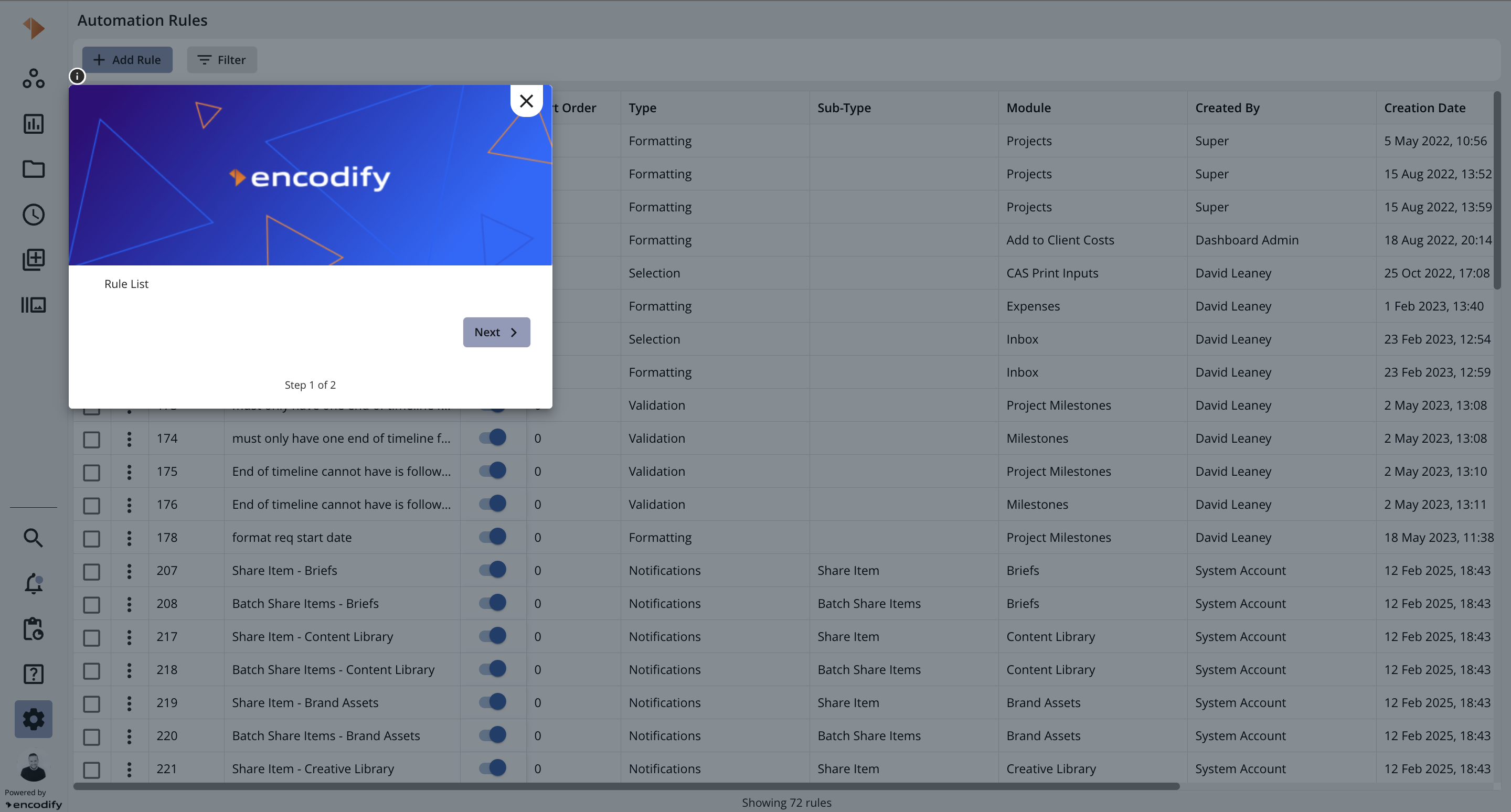
Tooltip guide with enabled badge and specified target element
Known limitation: on some views - CAS header, Itemsheet, Proofing, Microsearch badge is not hilighted
Configured active banner can be rendered and shown to end user in next case:
after opening associated page - banner is triggered automatically
Banner and guide can be shown to end user on associated page simultaneously and independently - it means that closing of guide doesn't lead to closing banner and vice versa.
Examples of rendered banners you can find below:
.png)
Banner rendered on the top of associated page
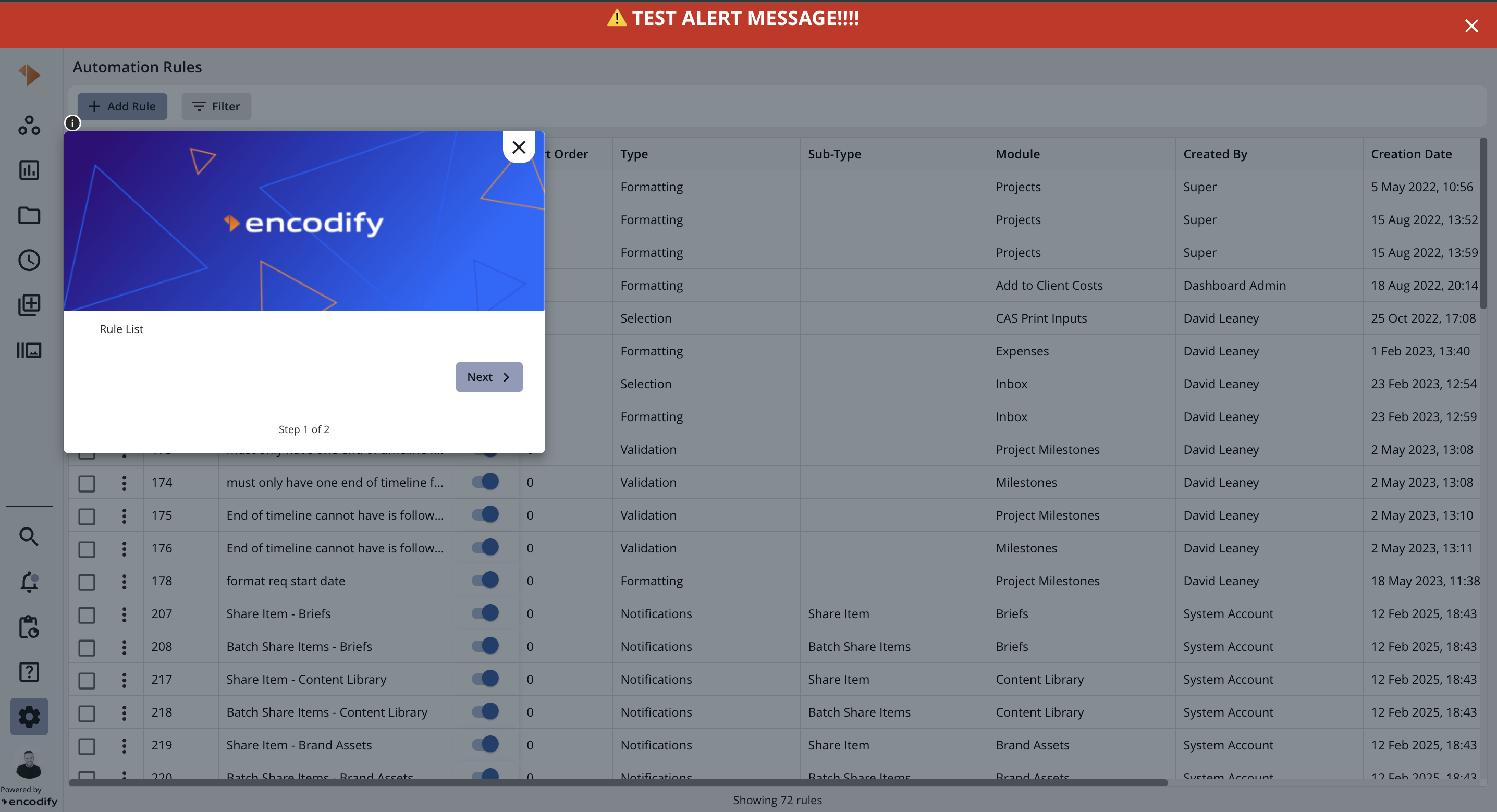
Guide and banner are rendered on the same page