Where to find the Video Editing Tool
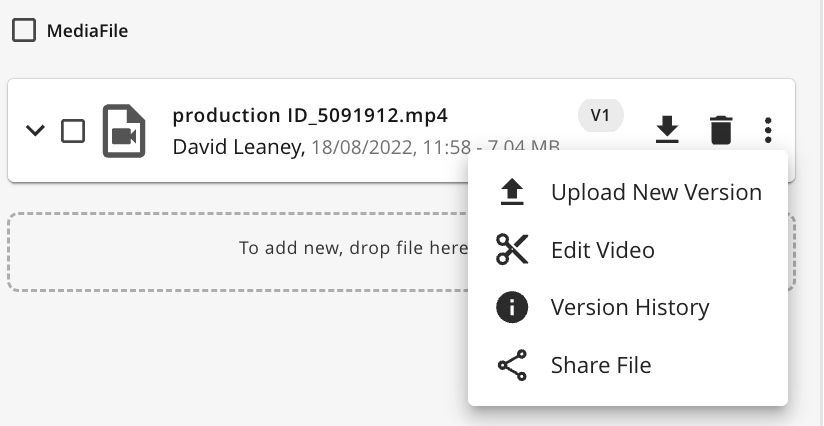
The Video Editing Tool can be accessed by clicking the  button from within the action menu against an original media file and converted renditions.
Understanding the Video Editing Tool
The video editing tool currently supports trimming, allowing you to specify Cut From and Cut To points for the video. Once the desired adjustments are made, the edited video can be downloaded. Please note that the original file in the system remains unchanged, as edits are not saved back to the Media Holder. The download can be run as a background job, enabling you to continue working without interruption, and the Reset button will restore original video file resetting all timestamp fields to default values.
Note: The download link available from the Background Jobs panel will expire within 24 hours.
.png)