How to switch to the new Activity Log:
Note!
Switching to Activity Log requires completed migration from the previous version of Field Logs.
Go to System Configuration > Scripts > Migrate Field Object Logs to Activity Log
Click the button labelled: “Enable Using Activity Log instead of Field Object Log.”
Submit changes
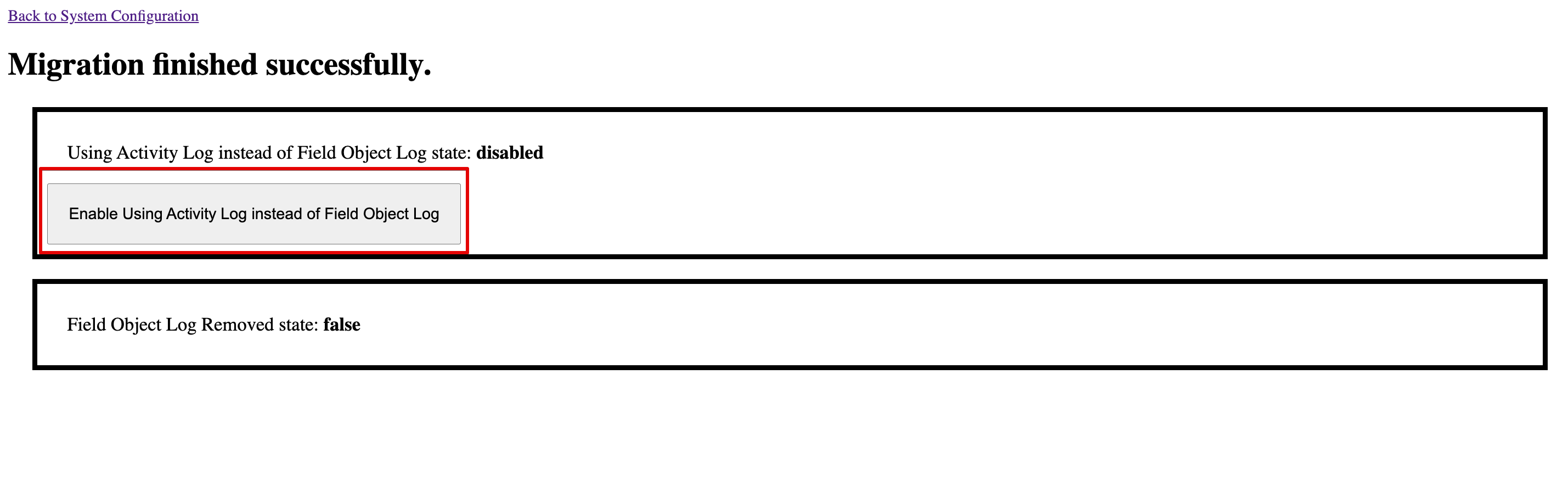
Image showing button to enable Activity Log on UI
Confirm that the button changed label to “Disable Using Activity Log instead of Field Object Log.” and status is “Using Activity Log instead of Field Object Log state: enabled”
How to switch back to old filed object logs (not recommended):
Go to System Configuration > Scripts > Migrate Field Object Logs to Activity Log
Click the button labeled:“Disable Using Activity Log instead of Field Object Log.”
Submit changes
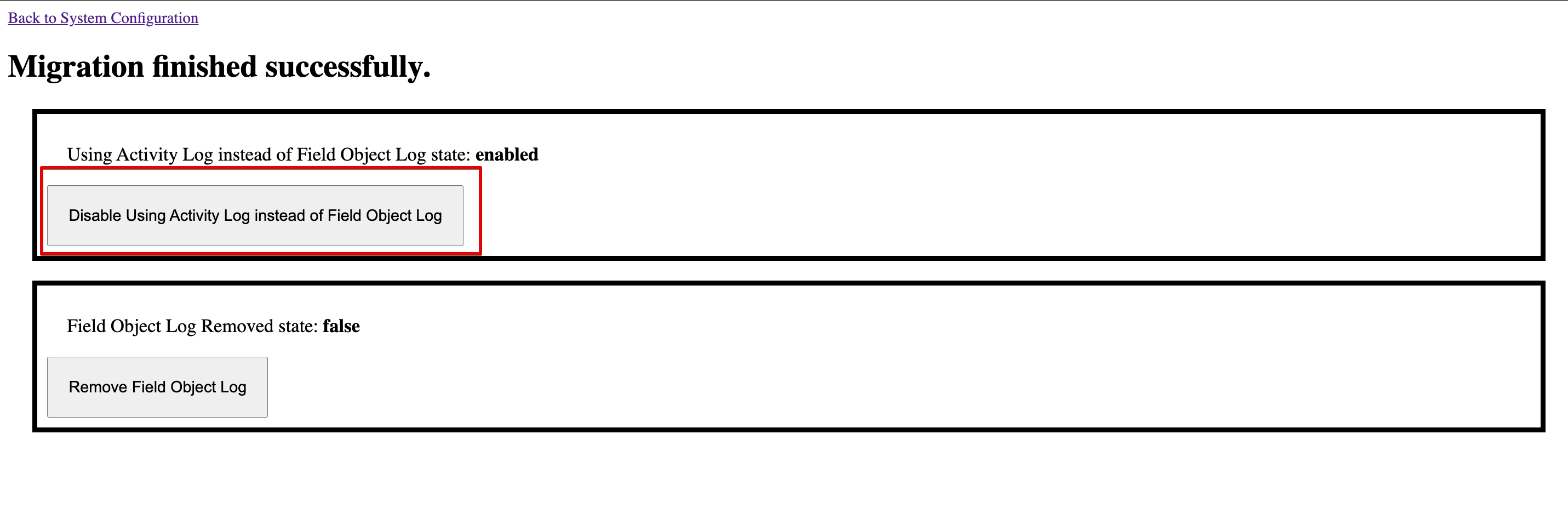
Image showing button to disable Activity Log on UI
Confirm that the button changed label to “Enable Using Activity Log instead of Field Object Log.” and status is “Using Activity Log instead of Field Object Log state: disabled”
NOTE:
After switching to activity logs, new log endpoints should be used.